
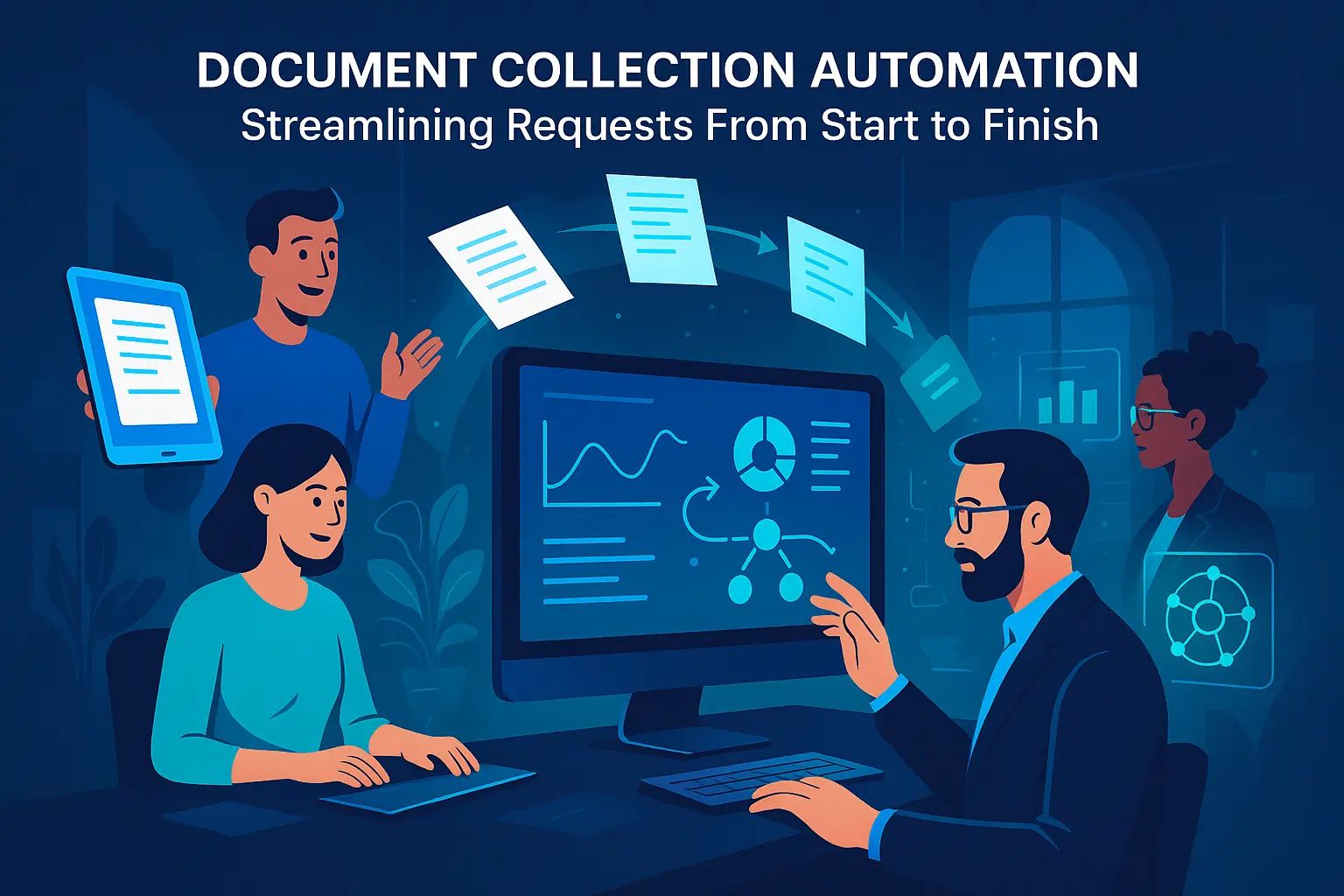
Document Collection Automation: Streamlining Requests From Start to Finish
Sofia Rangoni

Jan 7, 2026
What Is Document Collection Automation?
Document collection automation is the use of digital tools to request, gather, and organize documents without relying on back-and-forth emails or spreadsheets. Instead of chasing after missing paperwork or sorting through disorganized attachments, automated systems guide both requesters and recipients through the entire process with step-by-step instructions and built-in tracking.
How It Differs From Manual Methods
Manual document collection can feel like an endless cycle of reminders, updating checklists, and searching for attachments. Files often go missing in cluttered inboxes, or version control gets muddled between teammates. Automation replaces these repetitive steps with workflows that collect, remind, and store files in a centralized place, ensuring nothing gets lost and everyone knows what’s outstanding.
Types of Processes You Can Automate
Almost any document-heavy workflow can be automated. Examples include onboarding new clients, requesting compliance documents, processing loan applications, or gathering records for legal cases. Automation streamlines form submission, signature collection, document reviews, and reminders, making these tasks much easier to scale as your needs grow.
Understanding what document collection automation can do sets the stage for seeing why businesses and teams embrace it, from saving time to minimizing errors and keeping data secure.
Why Automate Document Collection?
Faster Turnaround and Reduced Chasing
Manual document requests often feel like endless cycles of reminders, follow-ups, and lost attachments. Automation trims this inefficiency, sending instant requests and timely reminders without anyone lifting a finger. Clients and colleagues respond faster when the process is structured and clear, which pushes projects forward instead of stalling them in inbox limbo.
Fewer Errors and More Consistency
Collecting dozens, or hundreds, of files through email increases the risk of missing documents, duplicate requests, or version confusion. Automated systems ask for the right files, in the right format, every time. This makes reviews simpler: no more sifting through confusing threads or misfiled attachments.
Enhanced Security and Compliance
Sending sensitive files through unsecured channels puts you and your clients at risk. Automation platforms use encryption, password protection, and audit trails to keep everything safe. It’s also much easier to demonstrate compliance with industry standards when every step is logged and controlled from a single system.
Seeing the advantages of automation is just the first step; understanding exactly how these systems function reveals what you can expect when you make the switch.
How Document Collection Automation Works
Standard Features to Look For
Most automation platforms offer a dashboard where you can launch, monitor, and manage all document requests from a single place. Customizable request templates help you specify exactly what you need, so every client or team member receives tailored instructions without any manual rewriting. Secure upload portals and audit trails keep everything easy to trace and retrieve later.
Automated Notifications and Reminders
Chasing missing documents becomes a relic of the past thanks to automated emails and reminders. If a request goes unanswered, the system sends polite nudges at set intervals, reducing lost time and making follow-up frictionless. You always know which requests are pending, completed, or overdue, without sifting through endless inbox threads.
Integrations With Email, CRM, and Other Tools
Modern solutions often sync with common communication and productivity tools. For example, connect your platform to Outlook or Gmail, and requests are dispatched straight from your familiar inbox. Link with your CRM (like Salesforce or HubSpot) to automatically trigger document collection as part of your sales or onboarding workflow, sparing you from repetitive data entry.
Organizing, Approving, and Downloading Documents
As responses roll in, submissions are neatly sorted by client, project, or request type. You can view uploaded files instantly, flag them for approval, or request revisions with a click. Download everything at once in a neatly zipped folder, or integrate with cloud drives for even smoother transfers. This way, your team spends less time chasing paperwork and more time getting things done.
With these automation features in place, setting up a streamlined document request process becomes achievable for anyone, not just IT specialists. Next, let's walk through the practical steps to build an automated, client-friendly request flow from scratch.
Building an Automated Document Request Flow
Setting Up Templates That Save Time
Start by designing reusable request templates for each type of document you need. Instead of drafting a new email or request each time, set up forms that auto-fill client information, specify document types, and clarify deadlines. Well-crafted templates mean no more copy-pasting, fewer typos, and a smoother start to every project. Make sure the wording is specific, avoid generic phrases, so recipients understand exactly what’s needed in one go.
Creating Secure Client Portals
Swap messy email chains for a centralized client portal. Clients can log in securely, see exactly what’s outstanding, and upload files without worrying about attachments going astray. A good portal keeps all requests, responses, and files organized, with automatic status updates so nobody is left guessing what’s still pending.
Security matters here, look for portals that encrypt uploads and require strong authentication so sensitive data stays protected.
Digital Signatures and Legal Considerations
Collecting legal documents? Integrate digital signature tools directly into your workflow. Recipients can sign forms electronically from any device, no printing, no scanning, no postal delays. Opt for solutions that comply with local e-signature regulations (like eIDAS in the EU or ESIGN in the US), ensuring agreements hold up if ever challenged. This not only speeds things up, it also creates a tidy audit trail for every transaction.
With an efficient request flow in place, it’s clearer which industries reap the biggest rewards from document collection automation. Let’s look at where streamlined requests make the biggest impact.
Industries That Benefit Most
Finance and Lending
Banks, credit unions, and fintech lenders deal with mounting folders of pay stubs, tax returns, bank statements, and legal disclosures. Automation extracts, verifies, and sorts these files, often in real time, helping underwriters and loan officers move from “application received” to funding far quicker than manual email threads ever could.
Legal and Compliance
Attorneys, compliance analysts, and paralegals often need contracts, identity documents, or evidence from multiple parties before a case or investigation can proceed. Automated tools keep sensitive files encrypted and audit trails uncompromised, making it easier to track every version and request, especially in high-stakes regulatory environments.
Real Estate
Property managers, mortgage brokers, and title agents typically chase after ID proofs, leases, appraisals, and inspection reports from buyers, sellers, and tenants. Automation brings order to this chaos by keeping uploads organized and sending persistent, friendly nudges so no crucial document falls through the cracks by closing day.
Education and Admissions
Universities and private schools collect transcripts, test scores, essays, and recommendations from a mix of students and references, often from across the globe. Smart workflows ensure every submission is tagged to the right applicant, archives every version, and flags missing or mismatched files automatically, taking the pressure off both admissions staff and anxious students.
While these sectors lead in adopting document automation, the need for streamlined document requests appears anywhere paperwork bogs down progress. Next, discover how to set up processes that keep your workflow secure and snappy from day one.
Best Practices for Seamless Implementation
Ensuring Security Throughout the Process
No matter how streamlined your process is, sensitive documents deserve airtight protection. Enable end-to-end encryption to prevent unwanted access, both while files travel over the internet and while stored on your servers. Use role-based permissions so only authorized users view or download confidential files. Multi-factor authentication adds an extra layer, making unauthorized entry much less likely.
Pay close attention to your audit trails. A reliable system should log who accessed or changed a file, creating a clear record that makes compliance checks and audits painless.
Keeping the User Experience Simple
Simplicity is the secret weapon. Clients are less likely to complete requests if the process feels complicated. Use clear instructions, automatic field validation, and progress indicators so users aren’t left guessing what’s next. If your interface can work on any device, phone, tablet, or desktop, people can respond on their terms, speeding up turnaround.
Reduce the number of clicks required. Let users drag-and-drop files, autofill basic information, and receive instant confirmations. Thoughtful tweaks remove friction and make document uploads almost effortless.
Tracking Progress and Automating Approvals
Visibility keeps everything on track. Make it easy for your team to see which requests are still pending and which documents are missing. Automated reminders nudge users at the right time, that way, you chase less and close open loops faster.
Once all the files arrive, let your workflow software route them for approval automatically. Conditional logic can flag submissions for review, escalate issues, or trigger quick acceptances. This removes bottlenecks and ensures nothing falls through the cracks, freeing your team to focus on what actually needs a human eye.
While efficient systems are crucial, getting started is sometimes the hardest step. Next, we’ll outline actionable ways to move from theory to practice, making the transition as smooth as possible.
Key Takeaways: Getting Started With Document Collection Automation
Checklist for Successful Rollout
Begin with a simple process. Start by automating one or two recurring document requests, like onboarding new clients or collecting compliance forms. Pick workflows that cause the most bottlenecks today.
Choose automation software that matches your document types and integrates with your current tools, think email, CRM, or cloud drives. Make sure it supports granular permissions, audit trails, and user notifications for peace of mind.
Prepare clear document request templates and instructions for users. This keeps requests consistent and cuts down on back-and-forth emails caused by confusion or missing items.
Test the flow with a small group, such as one department or a handful of clients. Gather their feedback on what’s easy, what’s unclear, and what slows them down. Adjust before scaling across your team or organization.
Monitor completion rates and response times to spot any lingering obstacles. Low numbers might signal unclear instructions, technical snags, or missing integrations.
Where to Try Document Collection Automation Today
Most platforms offer trial runs or live demos, take advantage of these to upload a sample checklist, set up automated reminders, and see how real users interact with your process. Early hands-on experience will highlight which solutions save the most time without creating new headaches.
Lenders, HR teams, and accounting firms tend to see quick wins; however, any business that juggles client documents can benefit. Make a short list of providers matched to your industry and volume, then vet one or two before committing.






💚 Don’t get left behind
Ready To Join The Circular Movement?
United for a smarter shopping experience and a better planet