
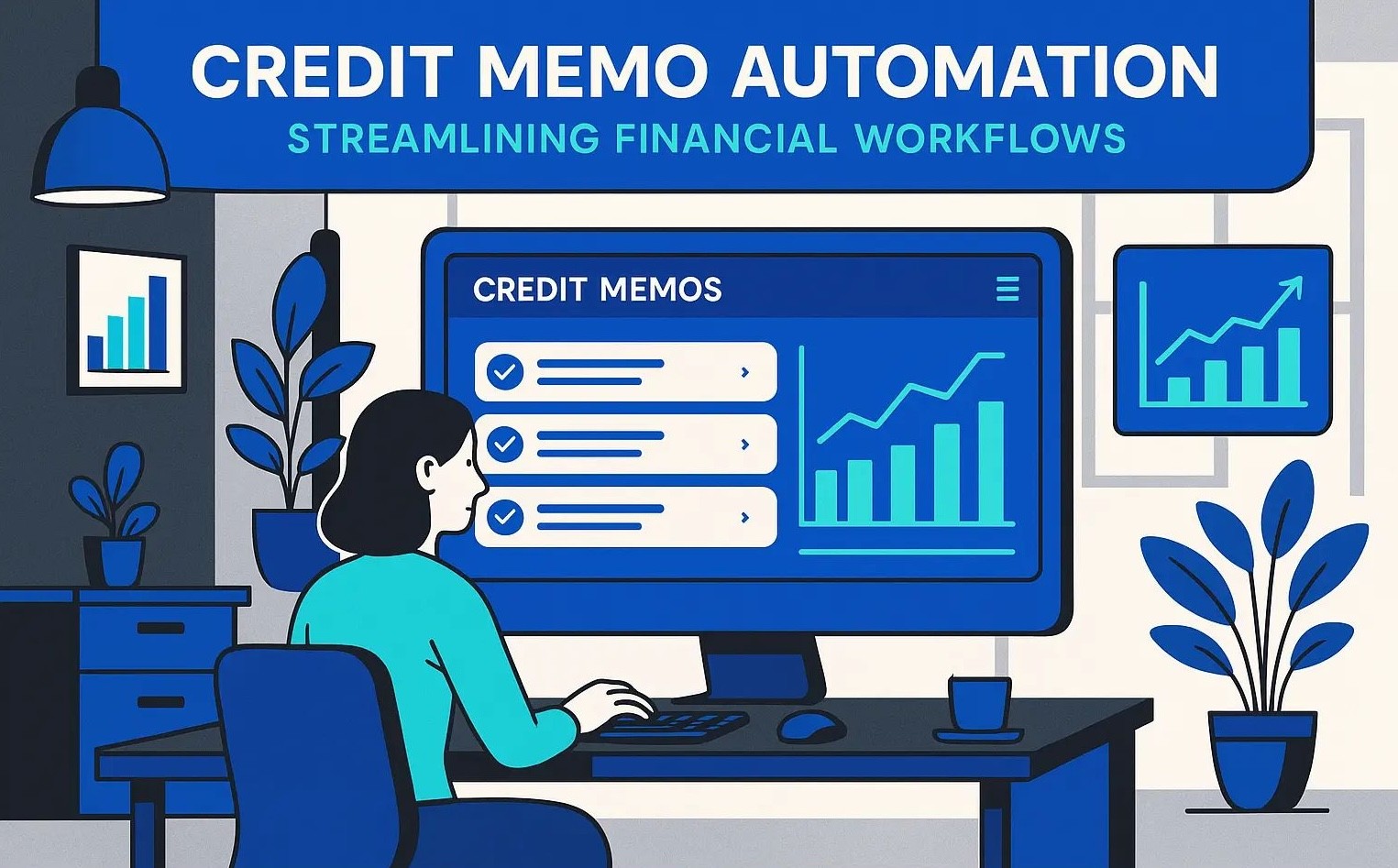
Credit Memo Automation: Streamlining Financial Workflows
Sofia Rangoni

Feb 3, 2026
What Is Credit Memo Automation?
Credit Memo Basics
A credit memo is a document issued by a seller to reduce the amount a customer owes, typically due to returned goods, overpayments, or invoice errors. It acts as a formal acknowledgement of a change in the original invoice amount, providing transparency and clarity in the financial relationship between seller and buyer.
How Automation Changes the Process
Traditionally, managing credit memos involves a chain of manual steps, receiving requests, verifying supporting documents, adjusting ledger entries, and ensuring approvals. This manual workflow often leads to delays and errors, especially when dealing with high volumes or complex transactions.
Credit memo automation transforms this landscape by digitizing each step. Software tools can receive, validate, and process requests automatically, pulling relevant data from invoices and matching them against return documentation. Automated solutions trigger approvals based on predefined rules, update accounting systems in real-time, and keep an auditable trail of every adjustment.
This shift not only speeds up the process but also cuts down on mistakes and disputes. By removing repetitive data entry and manual checks, teams can redirect their efforts to more valuable work while maintaining accuracy.
Understanding how automation changes each step sets the stage for a closer look at why organizations make the switch, and what they stand to gain by doing so.
Why Automate Credit Memos?
Manual vs. Automated Workflows
Picture a finance team hunched over stacks of paper invoices and credit notes, typing data into different systems and chasing spreadsheets for every refund or adjustment. This traditional way is time-consuming, error-prone, and often leads to delayed customer responses. In contrast, automation swiftly captures credit memo data and routes it through approvals with minimal human touch, slashing turnaround time and minimizing risk of lost or inaccurate information.
Business Benefits
Automated credit memo processes deliver measurable value. They speed up corrections and adjustments, ensuring customers get accurate credits without delay. Automated systems notify the right people at the right time, reducing bottlenecks. Fewer manual entries mean fewer mistakes, translating into reconciled books and cleaner audits. Teams free from repetitive data entry can focus on higher-value financial tasks, such as forecasting and analysis, instead of untangling paperwork.
Common Automation Use Cases
Automation shines in everyday scenarios, such as issuing credits for returned goods, correcting billing errors, and managing contract rebates. Automatically generating and distributing digital credit memos means customers and internal teams stay informed without endless email chains. Integration with ERP or accounting software lets credits flow directly into ledgers and reports without redundant manual entry.
Understanding the reasoning behind automating credit memos sets the stage for a closer look at how these solutions actually work from start to finish, demystifying the practical side of implementation.
How Credit Memo Automation Works
Document Capture and Data Extraction
The process begins when a credit memo arrives, whether as a PDF, email attachment, scanned document, or even an electronic data interchange (EDI) file. Instead of typing details by hand, automation tools read and extract key information like customer name, invoice number, date, and refund amount. Optical Character Recognition (OCR) technology transforms scanned paperwork into digital data, while machine learning models fine-tune accuracy by learning the layout of forms over time.
This automatic extraction eliminates manual entry errors and speeds up processing, creating clean records right from the start.
Integration with ERP and Accounting Systems
Next, automation software communicates with your existing financial systems. Data flows directly into your ERP or accounting platform without additional uploads or exports. Integration keeps customer accounts, general ledgers, and reporting tools in sync, ensuring that every credit memo updates balances instantly.
Automated integration also allows triggered workflows based on preset business rules. For instance, credit amounts beyond a certain threshold might need extra scrutiny, while small refunds can post automatically, saving time and reducing bottlenecks.
Approval Routing and Audit Trails
Automated workflows route each credit memo to the right decision-maker. Customizable approval chains reflect your company’s hierarchy and authorization limits. Digital routing slashes approval cycles from days to hours, sending notifications and capturing timestamps at every step.
Every action, from extraction to final posting, is logged automatically. This creates a traceable audit trail for reviews or compliance needs, replacing stacks of paper signatures and email threads with accessible, reliable records.
Now that you know how automation orchestrates each stage of credit memo processing, let’s explore which features make these systems truly efficient and secure.
Key Features to Look For
Rule-Based Processing
Look for systems that allow you to set up rules tailored to your billing and return policies. Efficient credit memo automation tools use detailed logic to match credit requests to invoices, enforce approval thresholds, and adapt to different customer profiles, all without manual oversight.
Exception Handling
Even the best automations encounter edge cases. A robust solution flags discrepancies, such as mismatched amounts or missing documentation, and sends them for review by the right team or individual. This ensures that unresolved issues don’t stall the whole process.
Reporting and Analytics
Built-in dashboards that track credit memo volumes, average approval times, and bottlenecks help finance teams pinpoint inefficiencies. Better visibility means faster troubleshooting and more strategic decision-making about customer credits.
Security and Compliance
Because credit memos deal with sensitive financial data, tools must have strict access controls and activity logs. Support for industry standards (such as SOC 2 or GDPR compliance) is essential to protect your records and meet audit requirements.
With a clear understanding of which features truly matter, it’s easier to weigh the impact of automation in actual business scenarios, complete with data and examples from organizations already using these tools.
Credit Memo Automation in Action
For a multinational electronics distributor, managing thousands of credit memos each month had become a resource drain. With the introduction of automation, the company replaced slow manual data entry with intelligent document capture and approval routing. Where teams once spent several days processing a backlog, credits were now posted within hours of receipt. Errors from manual input, previously leading to disputed balances, plummeted by over 85%, restoring trust with both customers and suppliers.
Steps to Get Started with Credit Memo Automation
Assessing Readiness and Setting Objectives
Begin by examining your current credit memo process. Pinpoint where bottlenecks and errors typically crop up, perhaps data entry delays or missed approvals. Calculate how much time and resources are being spent on manual tasks. This honest assessment forms the foundation for building a focused automation strategy. Clearly outline what you want to improve. For instance: reducing processing time, increasing accuracy, or minimizing disputes. Having achievable, measurable goals will steer your project from start to finish.
Selecting the Right Solution
As you weigh your options, consider which platforms can integrate smoothly with your existing accounting or ERP systems. Make sure the solution supports your business rules, approval flows, and reporting needs. Look for tools with layered security, easy customization, and responsive support. Most importantly, explore solutions that other businesses your size or in your sector already trust.
Implementation Considerations
Plan your rollout in stages. Start with a pilot involving a specific team or type of transaction, then refine your setup before expanding. Train staff with hands-on demos and make support materials easy to access. Maintain regular feedback loops to spot issues early, and celebrate small wins to keep your team engaged and motivated. Automation is most successful when your team feels confident navigating the new workflow.
Once you’ve laid the groundwork for automation, it’s natural to have lingering questions about processes, troubleshooting, and next steps. Up ahead, we’ll address common concerns and clarify what to expect as you transition toward a more efficient credit memo workflow.
Frequently Asked Questions
How does credit memo automation ensure accuracy?
Automated credit memo systems use data validation tools that catch mismatches, duplicate entries, or incomplete records instantly, no more manual double-checking. The software typically cross-references customer, invoice, and payment data directly from your accounting platform, virtually eliminating human error.
Can automated workflows fit our existing accounting software?
Most automation platforms connect seamlessly with widely-used ERP and accounting systems like SAP, Oracle, QuickBooks, and NetSuite. Look for solutions with pre-built integrations or robust APIs so your credit memo process blends into your normal workflow, not alongside it.
Is it possible to handle complex credit scenarios automatically?
Absolutely. Modern credit memo automation tools handle everything from simple customer returns to adjustments for volume discounts or contract changes. You can define rules for routing, approvals, and calculations, including for credit memos involving multiple line items or currencies.
Will automation over-complicate small finance teams?
Not at all. Automation actually reduces complexity, by eliminating repetitive data entry, chasing down approvals, or reconciling credit memos manually. Many systems are user-friendly and scalable, bringing big-company efficiency to small teams.
What about audit trails and compliance?
Automated credit memo solutions maintain detailed logs of every action, who submitted, approved, modified, or voided a credit memo, and when. These tracks make audits faster and compliance reporting far less stressful.






💚 Don’t get left behind
Ready To Join The Circular Movement?
United for a smarter shopping experience and a better planet