
Automated Risk Assessment Tools: How They Work, Key Features, and Leading Solutions
Sofia Rangoni

Dec 12, 2025
Automated Risk Assessment Tools Explained
What Sets Automated Risk Assessment Apart?
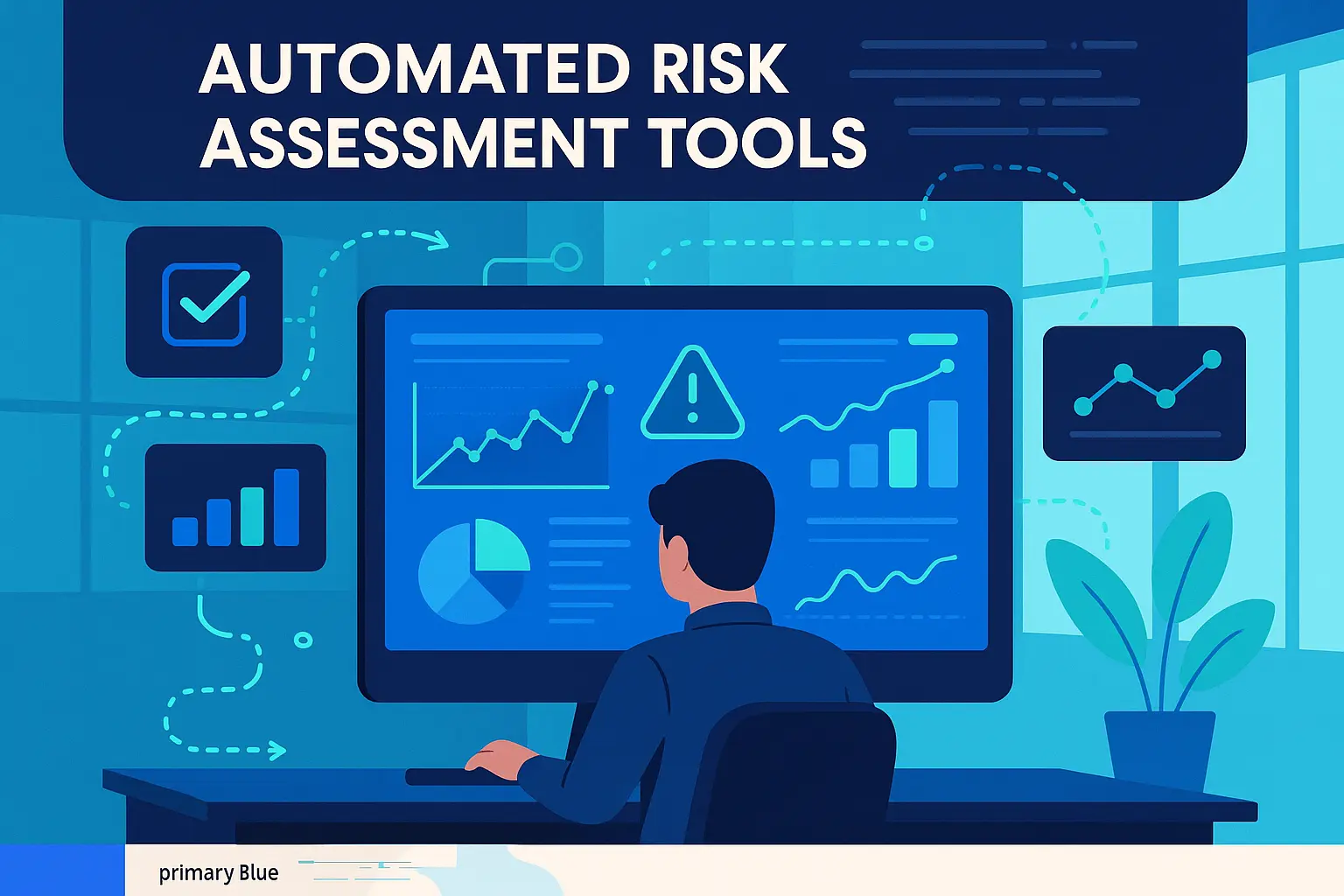
Automated risk assessment tools move beyond manual checklists and spreadsheets by using algorithms to rapidly process data and flag potential threats. They aggregate information from multiple sources, including transaction logs, user behavior patterns, vulnerability databases, and third-party feeds. Unlike traditional assessments, which can take days or weeks, automated tools deliver continuous monitoring, offering fresh insights as soon as new data arrives. The result is a dynamic, always-on risk view that supports faster and more informed decisions.
Common Types of Risks Addressed
These tools handle a wide spectrum of risks across industries. For example, in cybersecurity, they identify malware, phishing attempts, suspicious logins, and system vulnerabilities. In finance and banking, they flag money laundering behaviors, fraud indicators, or creditworthiness issues. Other sectors use them to assess supply chain instability, regulatory compliance gaps, or operational inefficiencies. This adaptability means automated solutions can be tailored to the exact risk profile a business faces.
With the foundation of how these tools differ and what types of risk they address, the next step is to unravel how they accomplish such rapid and nuanced assessments, delving into their technical workflow and core functions.
How Automated Risk Assessment Tools Work
Data Collection and Integration
Automated risk assessment tools start by gathering data from multiple sources, internal databases, cloud services, third-party platforms, and even unstructured data like emails and documents. These systems often connect via APIs, securing a steady stream of relevant, up-to-date information to ensure every decision is based on a complete picture. Integration with financial records, user activity logs, or vendor management systems means nothing essential slips through the cracks.
Automated Analysis and Scoring
After collecting data, these tools use algorithms to sort and evaluate information. Machine learning models or rule-based engines comb through the detail, identifying patterns, potential threats, and vulnerabilities. The tool then assigns risk scores based on likelihood and potential impact, so high-risk scenarios immediately stand out. This step turns heaps of raw data into actionable insights for the team.
Reporting, Alerts, and Dashboards
Once risks are identified and scored, the platform presents findings via dashboards, dynamic charts, and automated reports. Interactive visuals and clear breakdowns allow users to drill deeper into specific risks or track historical trends. Custom alert systems notify responsible parties when thresholds are crossed, ensuring emerging issues are addressed before they escalate.
Continuous Monitoring and Updates
The process doesn’t stop at the initial scan. Modern tools run ongoing background checks, constantly re-assessing risks as new data arrives or conditions change. Whether new vulnerabilities, regulatory updates, or changes to internal workflows, the platform adapts and recalibrates risk profiles in real time. This proactive approach helps organizations respond faster and prevent problems rather than just reacting when it’s too late.
Understanding how automation handles data collection, analysis, and real-time updates sheds light on what makes such tools indispensable. Up next, let's break down which essential features truly set the best solutions apart from the rest.
Essential Features to Look For
AI and Machine Learning Capabilities
The smartest risk assessment tools use AI to spot patterns and threats that escape static rule sets. Machine learning models evolve, fine-tuning alerts and reducing false alarms as they process more data.
Customizable Risk Models
No organization faces the same risks. The best tools let you adapt risk scoring, define your own logic, and build tailored risk matrices that match your unique environment and industry.
Real-Time Collaboration
Effective risk management depends on teamwork. Seek out tools that let teams comment, assign tasks, and share findings without endless email trails or spreadsheet confusion.
Regulatory Compliance Support
Audit trails, reporting templates, and automated checks for frameworks like GDPR, HIPAA, or ISO 27001 help keep you on the right side of compliance, without the paperwork headache.
Integration With Existing Systems
Risk data shouldn’t be locked away in a silo. Native connectors, robust APIs, and flexible file import options make it easy to pull in information from HR, finance, IT, and more, giving you a complete risk picture.
Scalability and Flexibility
Your tool should handle today’s scope and tomorrow’s growth. Cloud-native options adapt as risks evolve and teams expand, without forcing you to rip and replace your tech stack.
With these features in mind, it becomes much easier to separate flash from substance and invest in a solution that truly fits your needs. Next, we'll take a closer look at both the strengths and the possible shortcomings that come with automating risk assessment.
Benefits and Limitations of Automation in Risk Assessment
Accuracy and Efficiency
Automated risk assessment tools process vast amounts of data in seconds, detecting trends and correlations that a manual review could miss entirely. With algorithms tuned to specific risk indicators, automated systems flag vulnerabilities as soon as new data emerges. This allows teams to shift from reactive firefighting to proactive risk management, reducing both error rates and time delays.
Automation also means consistency. The same logic is applied every time, eliminating the variation that comes from human fatigue or subjectivity. This reliable scoring helps organizations prioritize which risks need attention urgently, ensuring no critical issues are overlooked.
Potential Blind Spots and Human Oversight
Despite their speed and consistency, automated systems can only analyze what they’re asked to see. If input data is incomplete, outdated, or biased, the resulting risk assessments will reflect those flaws. Machine learning models may also misinterpret new or rare risk factors outside their training data, leaving gaps in coverage.
Some risks demand insights that go beyond numbers and patterns, such as ethical concerns, emerging market factors, or sudden regulatory shifts. Human judgment remains crucial for interpreting ambiguous scenarios, challenging assumptions, and adjusting strategies when the unexpected arises.
Understanding where automation excels, and where it can fall short, prepares teams to choose tools that enhance, rather than replace, expert decision-making. Next, let’s explore standout solutions that are shaping the landscape of risk assessment today.
Best Automated Risk Assessment Tools on the Market
The crowded risk assessment landscape can overwhelm even seasoned compliance teams. To cut through the noise, here’s a look at six automated tools widely recognized for their unique approach to managing, scoring, and tracking risk.
LogicGate
LogicGate stands out for its workflow automation tailored to risk and compliance frameworks. Users can rapidly configure risk models, automate evidence collection, and streamline control testing. A visual process designer makes even complex program structures easy to follow, while robust integrations connect with other enterprise systems. The platform is especially favored by organizations seeking flexibility without deep technical know-how.
Rapid7 InsightVM
Built for security teams, Rapid7 InsightVM specializes in identifying and prioritizing vulnerabilities across an enterprise. The tool brings live dashboards, automated remediation workflows, and real-time risk scoring into one central view. Its dynamic asset discovery feature means organizations can spot and assess risks as soon as new endpoints join their environment.
MetricStream
MetricStream is a comprehensive platform designed for enterprise-grade governance, risk, and compliance (GRC). What differentiates MetricStream is depth: from sophisticated reporting to advanced risk quantification, the tool serves heavily regulated industries like banking and healthcare. Integration with external regulatory feeds helps teams stay ahead of the compliance curve.
ProcessUnity
Best known for third-party risk management, ProcessUnity automates vendor assessments and ongoing monitoring. The platform offers standardized questionnaires, automated evidence gathering, and risk scoring that adjusts as external threats change. It’s an excellent fit for organizations juggling a maze of suppliers or regulated partners.
CrowdStrike Falcon
CrowdStrike Falcon leverages artificial intelligence to continuously monitor digital assets for threats. Beyond standard vulnerability scanning, Falcon’s risk assessment engine detects suspicious behaviors and adapts as new attack techniques emerge. Its cloud-native architecture suits distributed workforces and assets spread across environments.
MindBridge
MindBridge uses machine learning to analyze financial transactions for anomalies, lending an edge to audit teams and controllers. Its AI engine surfaces risks traditional rules might miss by pulling patterns from vast datasets. The interface is approachable, making it practical for users without a data science background to pinpoint emerging concerns.
Understanding which solution fits your organization's needs requires more than just feature comparisons. Next, we’ll break down how to assess your priorities and match them with platform strengths for a confident selection.
How to Choose the Right Tool
Define Your Risk Management Goals
Start by outlining what you need to protect and why. Are you focused on cybersecurity threats, regulatory compliance, or operational risks? Pinpointing your specific objectives helps narrow down tools best suited for your environment.
Match Features to Needs
Examine the feature list of each tool. If your workflow is complex, prioritize solutions that offer deep customization and robust automation. For organizations handling sensitive data, seek out tools with strong compliance tracking and in-depth reporting capabilities.
Assess Scalability and Usability
As your business grows, so will your risk landscape. Test-drive interfaces for clarity, speed, and intuitive navigation. A tool that is cumbersome now will not magically become easy later; prioritize solutions your team will actually use, and that can handle larger volumes or new types of data without lagging.
Evaluate Support and Future Development
Investigate how responsive vendors are to support queries and how frequently updates are released. A reliable partner will adapt their tool to shifting threats and evolving regulations, keeping you ahead of risks rather than scrambling to catch up.
Choosing with care now means a much smoother deployment ahead. With your ideal solution in mind, it’s time to prepare for the first steps to implementation and ensure your organization is set up for success from day one.
Getting Started With Automated Risk Assessment Tools
Preparing Your Data and Workflows
The foundation of any risk assessment tool is data, without reliable, organized information, even the most sophisticated system stumbles. Before turning on your chosen platform, gather relevant datasets from existing systems such as finance, HR, IT, or compliance logs. Make sure these sources are clean and up to date. Map out your current risk assessment workflow, including who approves what, key checkpoints, and where bottlenecks occur. This process will help the tool adapt smoothly to your specific risk management processes and highlight areas that automation could immediately improve.
Piloting and Measuring Success
Start with a pilot instead of a full rollout. Select a department or project with manageable complexity and clear risk factors. Set baseline metrics, such as time spent on assessments, number of risks identified, or compliance error rates. Let the tool run alongside legacy methods for a period, and compare results in real terms: does it catch risks earlier, speed up reviews, or reduce manual tasks? Gather feedback from users to pinpoint usability snags or training gaps. After refining your settings and workflow, you can extend the rollout with greater confidence.
Once you've tested the waters and fine-tuned your approach, you're ready to explore ways to get the most out of ongoing automation and ensure your investment keeps delivering value over time.
Frequently Asked Questions
Are automated risk assessment tools suitable for small businesses?
Yes, a range of solutions exist, from streamlined platforms tailored for startups to robust systems for enterprise needs. Many vendors also offer modular pricing so smaller organizations can focus on core risks first.
Can these tools detect emerging risks in real time?
Most leading tools use AI and machine learning to flag unfamiliar risk patterns by analyzing new data as it arrives. They don’t predict the future but can surface unusual trends or threats faster than traditional manual reviews.
Will an automated tool replace my risk managers?
No. These tools speed up analysis and flag what needs attention, but final decisions still rely on human expertise. The best use automation to eliminate repetitive tasks so staff can concentrate on high-impact issues.
How do these tools stay updated with new risk factors or regulations?
They regularly pull in data from regulatory feeds, news, and relevant databases. Many vendors also update their algorithms to comply with new standards, so you’re not left with outdated templates.
Is integration with existing software difficult?
It depends on the system, but most popular tools offer connectors, APIs, or support for standard file formats. Some vendors also provide setup services to smooth the rollout process.




💚 Don’t get left behind
Ready To Join The Circular Movement?
United for a smarter shopping experience and a better planet